1Enable official alerts
Keep official government and local warning channels switched on.
 Global Emergency Alerts
A simple checklist to help you keep emergency alerts and backup warning sources working.
The checklist is free. Alerts require an active subscription.
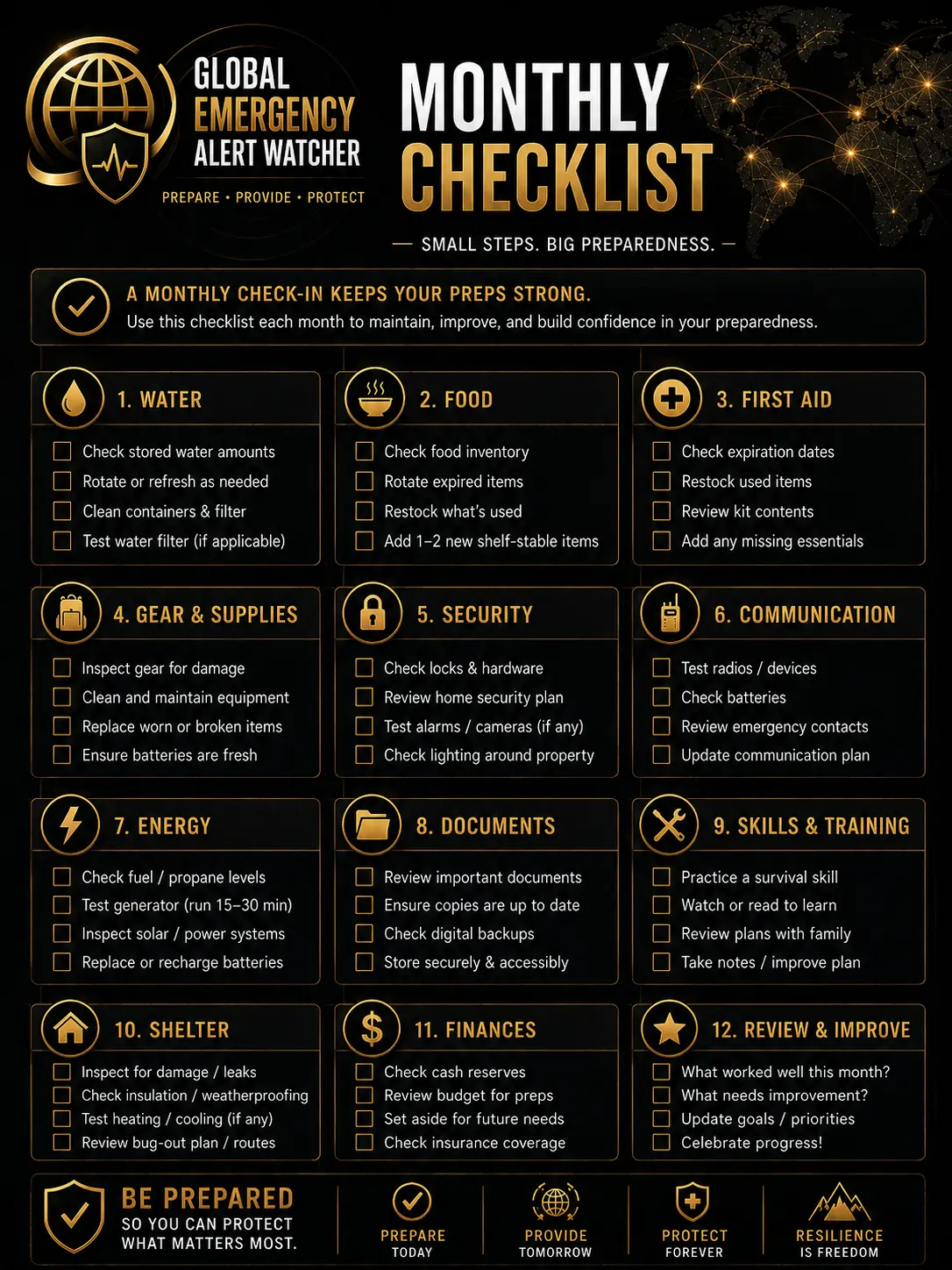
Do not rely on one app, one social feed or one device.
Keep official government and local warning channels switched on.
After subscribing, allow notifications on your alert device.
On iPhone or iPad, add the site to the Home Screen if required.
Save trusted weather, flood, health, travel and local authority links.
Keep a charged power bank and charging cable ready.
Bookmark key council, flood, travel and national guidance pages.
Agree who checks on who and what backup contact method to use.
Treat social posts as prompts to check official sources.
Check permissions, browser updates and backup links once a month.
Tip: bookmark this page or print the checklist if you want a quick offline reminder.
Many people never check whether alerts are actually working.
Use official alerts first, with Global Emergency Alerts as an extra layer.
A few minutes each month helps avoid a dead setup.
Official warnings and emergency services instructions come first.
Delivery depends on internet, device settings, browser support and push services.
The service is selective and does not cover every update.
Subscribe for selected serious alerts by browser and device push.